
Every year, a few thousand Indian businesses have the same conversation with their CA around March: “Should we finally move off Tally on the office desktop, or is cloud accounting just a subscription trap?” In 2026, that conversation has changed shape. It's no longer just a preference question — it's increasingly a compliance one. Between GST e-invoicing mandates tightening their grip, tax authorities demanding faster reporting windows, and finance teams working from three cities instead of one office, the old “buy once, install once” model is being tested harder than ever.
This guide walks through exactly what separates cloud and desktop accounting software, what the 2026 data says about where Indian businesses are headed, and — since the honest answer is “it depends” — a practical framework for figuring out which side of that line your business actually belongs on.
Why 2026 Is the Real Turning Point
Cloud accounting has been available in India for well over a decade. What's different now is that the tax system itself is nudging businesses toward always-on, always-updated software, whether they planned to switch or not.
Three forces are converging this year:
- GST e-invoicing has crossed into mid-market territory. As of 2026, any business with aggregate annual turnover of ₹5 crore or more (calculated PAN-wide, across all GSTINs, going back to FY 2017–18) must generate e-invoices with a valid IRN for every B2B transaction. There has been discussion of pushing this down to ₹2 crore, which would pull in a huge slice of India's small business base.
- Reporting windows are shrinking. Businesses crossing ₹10 crore in turnover now have just 30 days from the invoice date to report it to the government's Invoice Registration Portal — miss it, and the portal simply rejects the upload.
- Remote and hybrid finance work is now default, not exceptional. Accountants, auditors, and business owners routinely need to view the same ledger from a laptop at home, a phone at a client site, and a desktop at the office — something desktop-only software was never built for.
Tip: Before you shortlist any software in 2026, check one thing first — does it generate an IRN automatically and push it to the government portal from inside the tool, or does it just “support GST” in the generic sense? Many older desktop packages export a JSON file for a separate e-invoicing utility, which works, but adds a manual step your team will eventually forget during a busy billing week.
What Is Cloud Accounting?
Cloud accounting software runs on remote servers rather than on your own computer. You access it through a web browser or a mobile app, log in with your credentials, and your data lives on servers managed by the software provider rather than on a hard drive in your office.
This means you can check your books from your phone at a client site, your accountant can log in from their own office and see the same numbers in real time, and if your laptop stops working tomorrow, your financial data is still sitting safely on the provider's servers. Updates happen automatically in the background — new GST rules, security patches, new features — without you having to install anything yourself.
The trade-off is dependency. Cloud accounting requires an internet connection to function, and your data is stored with a third party, which means you're trusting their servers, security, and uptime.
What Is Desktop Accounting?
Desktop accounting software is installed directly on a computer — usually a single machine in your office — and your data is stored locally on that device. There's no login from outside, no remote access unless you specifically set one up, and no dependency on the internet once the software is installed.
This gives you complete control. Your financial data never leaves your machine unless you move it yourself, there's no subscription pulling money out every month, and the software works the same whether your internet is working or not.
The trade-off is that all of that control comes with responsibility. If the computer it's installed on crashes, gets stolen, or is damaged, your data goes with it — unless you've been backing it up manually and consistently. Updates, security, and access are entirely on you, not on a provider working in the background.
Key Differences Between Cloud and Desktop Accounting
| Where data lives | Remote servers, managed by the provider | Locally, on the computer it's installed on |
| Access | Any device, any location, with internet | Only the machine it's installed on (unless remote access is set up separately) |
| Internet dependency | Required to use the software | Not required once installed |
| Cost structure | Ongoing subscription, usually monthly or annual | One-time license fee, with annual maintenance and occasional paid upgrades |
| Backups | Automatic, handled by the provider | Manual — your responsibility |
| Updates & compliance changes | Pushed automatically by the provider | Installed manually, whenever you get around to it |
| Multi-user / team access | Built for simultaneous, real-time collaboration | Limited, often one user at a time unless you invest in networking |
| Data control | Shared — the provider holds your data | Full — you hold everything locally |
| Scalability | Easy to add users, locations, features as you grow | Harder — often means new licenses, new installs, more manual syncing |
| Setup | Quick — sign up and start using it | Requires installation, sometimes on multiple machines |
| AI integrations & automations | Built-in or easily connected, with automatic updates as new AI tools emerge | Limited or none, usually requires manual add-ons if available at all |
The pattern here isn't hard to see. Cloud accounting trades control for convenience — it takes the responsibility of backups, updates, and access off your hands, but hands that responsibility to someone else. Desktop accounting trades convenience for control — nothing happens unless you make it happen, but nothing happens without your permission either.
Neither of these is a flaw. They're just two different philosophies about who should be responsible for your financial data day to day. The right one for your business depends on how much of that responsibility you actually want to carry yourself, and whether your business can realistically carry it well.
Pros and Cons of Desktop Accounting
Where Desktop Accounting Genuinely Wins
- Full ownership of your data. Nothing leaves your machine unless you move it.
- No dependency on the internet. Power cut, patchy broadband, no Wi-Fi at all — none of it stops you from opening your books and getting work done.
- One-time cost, not a recurring one. You pay for the license once, maybe upgrade every few years.
- Familiarity. A lot of CAs and accountants in India have used the same desktop tools for years, which can mean fewer errors and faster filing.
Where Desktop Accounting Falls Short
- Backups are entirely your problem. There's no safety net unless you build one yourself.
- No real remote access. If your team needs to check the books from outside the office, you're stuck.
- Manual updates mean manual risk. If nobody installs a compliance update on time, you could be filing with outdated software.
- It doesn't scale well. One user on one machine works fine for a solo operator; a second location or a remote bookkeeper starts showing its limits fast.
- A single point of failure. Years of financial history sitting on one device is a risk most businesses don't think about until something happens to that device.
Pros and Cons of Cloud Accounting
Where Cloud Accounting Genuinely Wins
- Access from anywhere. Your books aren't tied to one machine in one office.
- Backups happen automatically — it's built into how the software works.
- Compliance updates happen without you lifting a finger. New GST rules and e-invoicing requirements get pushed automatically.
- Real-time collaboration. Your bookkeeper, your accountant, and you can all work in the same books at once.
- Built-in AI and automation — expense scanning, auto-reconciliation, instant financial summaries are largely cloud-native.
- Scales with you. Adding a new user, location, or feature is usually a few clicks.
Where Cloud Accounting Falls Short
- You need the internet, always. No connection means no access to your books.
- It's a recurring cost, forever — and per-user pricing can add up faster than expected as you grow.
- Your data lives with someone else. Some business owners simply aren't comfortable with that.
- You're dependent on the provider. Downtime or pricing changes on their end are largely out of your control.
Must Know — GST e-Invoicing Rules for 2026: Mandatory once aggregate annual turnover crosses ₹5 crore in any financial year since FY 2017–18, even if turnover later drops below that. Turnover is calculated PAN-wide, combining every GSTIN and branch under the same PAN, not per location. Businesses above ₹10 crore turnover must upload each invoice to the IRP within 30 days of issue, or the portal rejects it outright. An invoice without a valid IRN blocks your buyer from claiming Input Tax Credit on it, and the penalty for non-compliance runs up to ₹10,000 per invoice.
Accounting is the language of business.
~ Warren Buffett

It's a line worth sitting with here, because the choice between cloud and desktop isn't really a software decision; it's a decision about how fluently, and how quickly, your business can speak that language when a bank, an investor, or the tax department asks it a question.
Accounting Software Cost Comparison: Cloud vs Desktop
This is where a lot of businesses get the decision wrong — not because they picked the wrong software, but because they only looked at the upfront number.
The Cost of Desktop Accounting
Desktop software usually looks cheaper on day one: a one-time license fee, install it, done. But the full cost shows up later, in places most businesses don't account for:
- Upgrade cycles — major version upgrades often come with their own cost every few years to stay compatible with new compliance requirements.
- Multi-user licensing — a second person accessing the books is usually a separate license, sometimes a separate installation.
- Backup infrastructure — since backups aren't automatic, many businesses end up paying separately for external drives, backup software, or IT support.
- IT support — when something breaks, you're either paying someone to fix it or losing your own time doing it.
The Cost of Cloud Accounting
Cloud software works the other way — the ongoing subscription is visible from day one, but a lot of the hidden desktop costs simply don't exist:
- No separate backup cost — it's built into the subscription.
- No installation or IT setup cost — sign up and start working.
- No surprise upgrade fees — new features and compliance updates are usually included in your existing plan.
- Per-user pricing can add up — this is the real cost trap with cloud accounting, since adding team members or branches often grows the bill faster than expected.
The Real Comparison: Total Cost Over Time
The honest way to compare these isn't “subscription vs one-time fee” — it's what you'd actually spend over three to five years, including everything each option quietly asks you to pay for along the way. For a very small, single-user business that isn't planning to grow, desktop software can genuinely work out cheaper over that period. For a business adding people, locations, or complexity, cloud accounting's all-in pricing — even with per-user costs climbing — often ends up more predictable, and in many cases less expensive, than the IT support, backup infrastructure, and upgrade costs desktop software quietly demands.
Cloud vs Desktop Accounting: The Security Debate
Security is where this decision gets emotional, and understandably so — this is your financial data: invoices, payroll, tax records, bank details. It's worth being precise about what “secure” actually means for each option, instead of relying on gut feeling.
How Cloud Accounting Handles Security
With cloud accounting, security is largely the provider's job. Data is typically encrypted both at rest and in transit, servers are backed up automatically across multiple locations, and providers run continuous monitoring for threats with dedicated security teams — something a small business could never realistically build on its own. The trade-off is trust and exposure: your data sits on infrastructure you don't control, and because it's accessible over the internet, it's also reachable by anyone who compromises your login credentials — which makes two-factor authentication and strong passwords far more important than most users treat them.
How Desktop Accounting Handles Security
With desktop accounting, security is entirely in your hands. Your data lives on a physical machine, so it's only as safe as that machine is. No internet connection required to access it also means no internet-based attack can reach it directly. But that same isolation is the weak point — there's no continuous monitoring or dedicated security team, and if the computer is stolen, damaged, or fails, your data's safety depends entirely on whether you personally set up backups and did so consistently.
The Honest Verdict on Security
Neither option is “more secure” in every sense. Cloud accounting protects you from physical risks like theft and device failure, but exposes you to different risks around access and third-party trust. Desktop accounting protects you from remote attacks and keeps your data entirely under your control, but leaves you fully exposed to physical risk and human error unless you build your own safety net. The real question isn't “which one is safer” — it's “which kind of risk am I better equipped to manage: trusting someone else's systems, or trusting my own discipline?”
Who Should Choose What
- Startups and service businesses (consulting, agencies, SaaS, freelance-heavy teams): Cloud, almost without exception — you need remote access, investor-ready reports, and integrations with payment gateways and CRMs from day one.
- Multi-branch retail, restaurant chains, and distributors: Cloud or hybrid. Turnover crossing ₹5 crore across combined outlets pulls you into e-invoicing anyway, and centralised, real-time visibility across branches is close to mandatory at that scale.
- Small manufacturing units and traditional single-location traders below the e-invoicing threshold: Desktop remains a genuinely reasonable choice, especially where internet reliability is inconsistent and the team is comfortable with the existing workflow.
- Growing SMEs approaching ₹5 crore turnover: Start migrating now — don't wait for the threshold to hit before choosing GST-ready, e-invoicing-capable software, since the switch itself takes longer than owners expect.
- CA and accounting firms managing multiple clients: Cloud, for the simple reason that logging into ten different desktop installations across ten offices is not a scalable way to run a practice.
How to Choose Accounting Software: Key Questions to Ask
Instead of asking “which software is better,” ask these questions about your own business first:
- How many people need access to your books? Just you or one bookkeeper — desktop can handle it. More than one or two people, especially across locations — cloud starts making a lot more sense.
- How reliable is your internet, honestly? Not “usually fine” — actually reliable, consistently, including during the hours you'd need your books.
- How many locations does your business operate from? Multi-location businesses almost always end up needing cloud access, whether they plan for it early or get forced into it later.
- How disciplined are you, realistically, about backups? If backups will fall through the cracks, lean toward a system where they happen automatically.
- How fast are you planning to grow? Staying roughly the same size — desktop's lower long-term cost can make sense. Adding people or locations — cloud's ability to scale without new installations becomes a real advantage.
- How complex is your compliance situation? Frequent compliance changes, multiple tax categories, or tighter deadlines benefit far more from automatic updates than you might expect.
- What can your business actually afford to lose? Ask what happens the day your laptop fails, or the day your internet goes down for six hours during a filing deadline — whichever failure feels more survivable tells you a lot about which system you should be using.
There's no scoring system here, no formula that spits out a definitive answer. But going through these questions honestly usually makes one option start looking clearly more realistic for your business than the other.
Best Cloud Accounting Software for Indian Businesses in 2026
1. Refrens
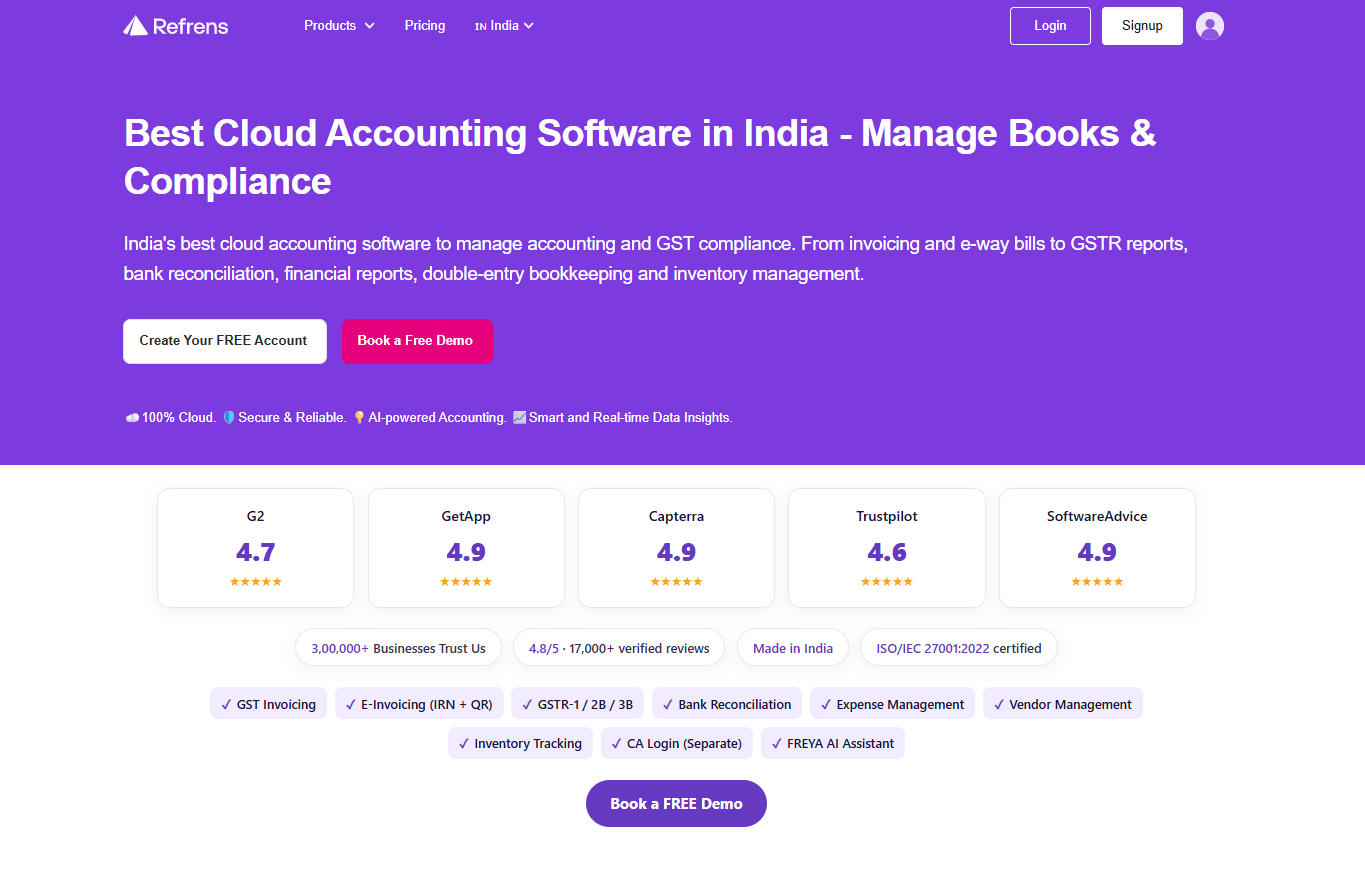
Refrens: cloud-based GST accounting and compliance platform
Refrens is a 100% cloud-based accounting software and GST compliance platform. It's ISO/IEC 27001:2022 certified for information security, made in India, and used by over 3,00,000 businesses, with an aggregate rating of 4.8/5 across more than 17,000 verified reviews on platforms like G2, Capterra, GetApp, Trustpilot, and Software Advice.
What sets it apart from a typical invoicing tool is scope: Refrens covers the entire financial workflow in one place — from quotation to invoice, purchase to payment, bank reconciliation to GST filing, and monthly books to audit-ready statements — rather than requiring a business to stitch together separate tools for billing, bookkeeping, and compliance. A standout differentiator is FREYA, an in-built AI assistant that can answer plain-language questions directly from a business's live financial data.
- GST-native invoicing and compliance — real-time GSTIN verification, auto-applied HSN/SAC codes, and automatic CGST/SGST/IGST calculation.
- In-platform e-invoicing and e-way bills — IRN and QR code generated directly within the platform, no separate government portal login required.
- Full GST return cycle — GSTR-1, GSTR-2B reconciliation, GSTR-3B, GSTR-9, GSTR-9C, QRMP with IFF support, RCM entries, and TDS tracking.
- 1-click ITC reconciliation against GSTR-2B data, flagging mismatches before filing.
- FREYA AI assistant for plain-language queries against live books.
- AI-powered OCR expense scanning and bank reconciliation with automatic transaction matching.
- Multi-GSTIN and multi-entity support, with role-based team access and a dedicated CA login.
2. Zoho Books
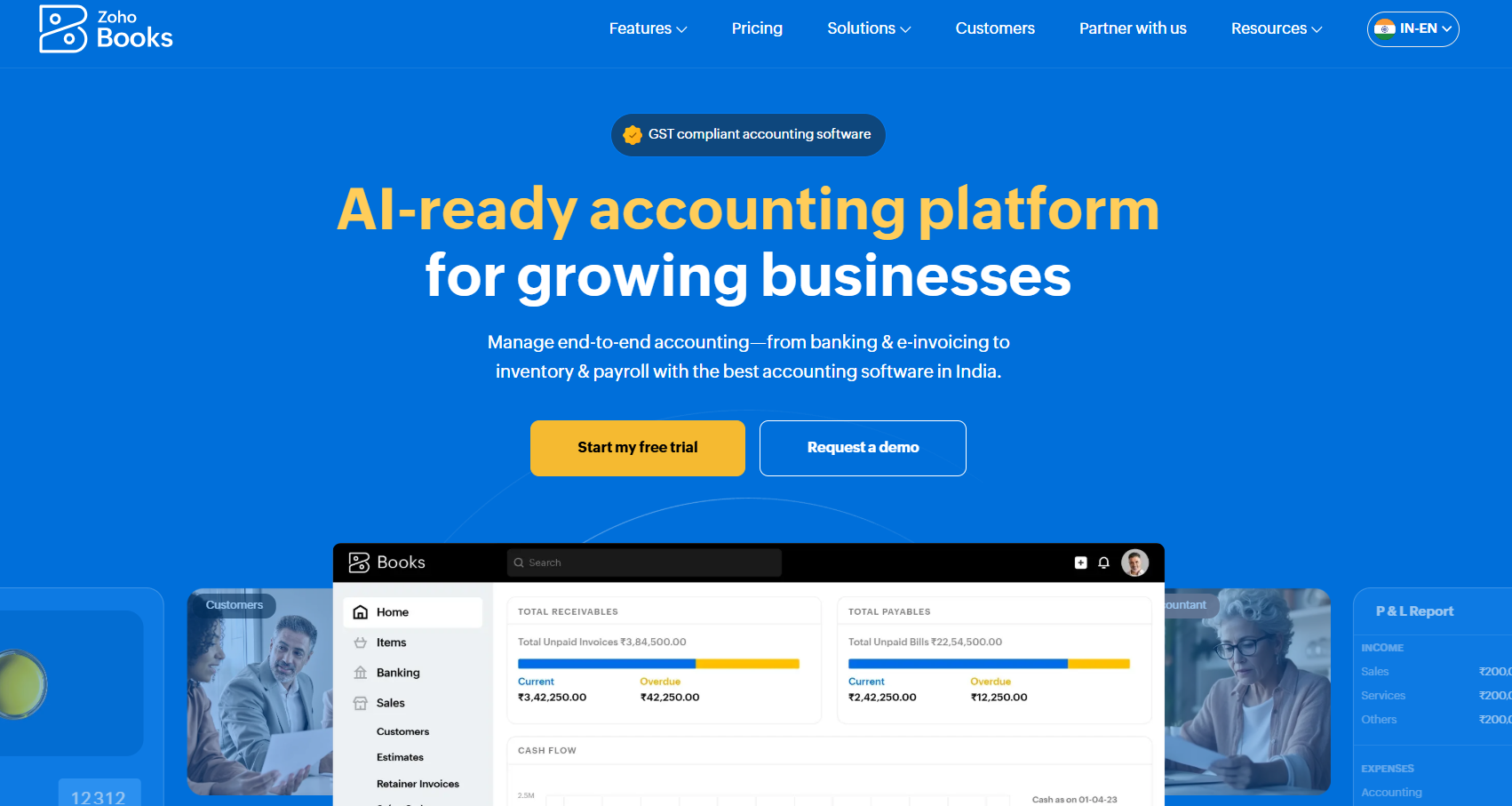
Zoho Books: part of the wider Zoho ecosystem
Zoho Books is a cloud accounting platform positioned as an AI-ready accounting platform for growing businesses. It benefits from being part of the broader Zoho ecosystem — CRM, inventory, payroll, expense management, procurement — so a business already using other Zoho products gets accounting that plugs directly into its existing workflow. It's available on web, mobile, and as a standalone desktop app, giving it more deployment flexibility than most cloud-only competitors.
- Zia AI assistant for plain-English financial questions and anomaly detection.
- GST compliance suite — e-invoices, e-way bills, and delivery challans generated directly within the platform.
- Connected banking with automatic categorisation and reconciliation.
- Multi-currency support for exporters and businesses with overseas clients.
- Inventory and project accounting, with milestone- or time-based billing for agencies and consultancies.
- Cross-device accounting across web, mobile, and a standalone desktop app.
Best Desktop Accounting Software for Indian Businesses in 2026
1. Tally.ERP 9
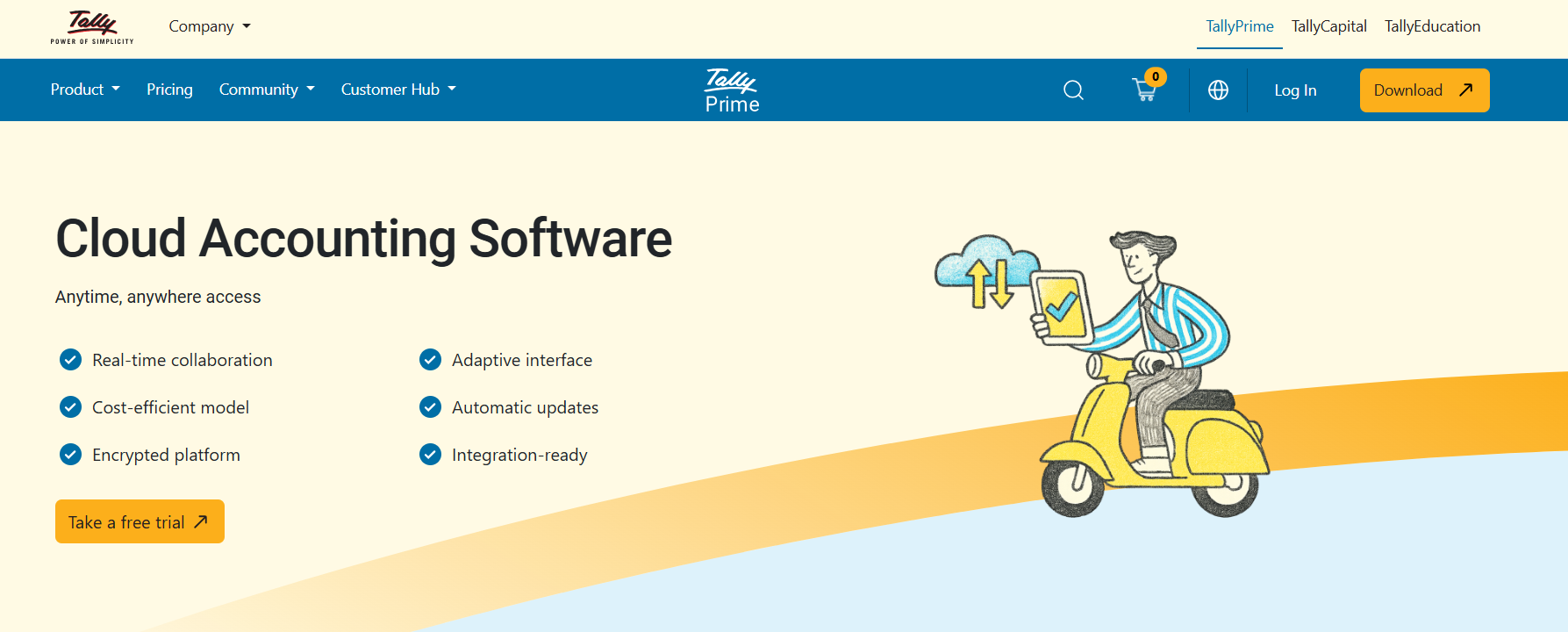
Tally: India's default desktop bookkeeping tool for over two decades
Tally.ERP 9 is the desktop accounting software most Indian businesses and accountants think of first. For over two decades it has been the default bookkeeping tool for a huge share of Indian SMEs, traders, and manufacturing units, and it remains the software most CAs already know how to use without training. It installs locally, with all books, ledgers, and reports stored and processed on that machine (or a local Tally Server for multi-location networked setups).
- Voucher-based bookkeeping with reusable masters (ledgers, groups, cost centres).
- Bill-wise payment tracking and bank reconciliation.
- Cost and profit centre management for departments, projects, or branches.
- Offline-first, fully local operation — works identically whether the internet is up or down.
- Payroll and audit tools built in, including an Edit Log that tracks changes to transactions and masters.
2. Marg ERP
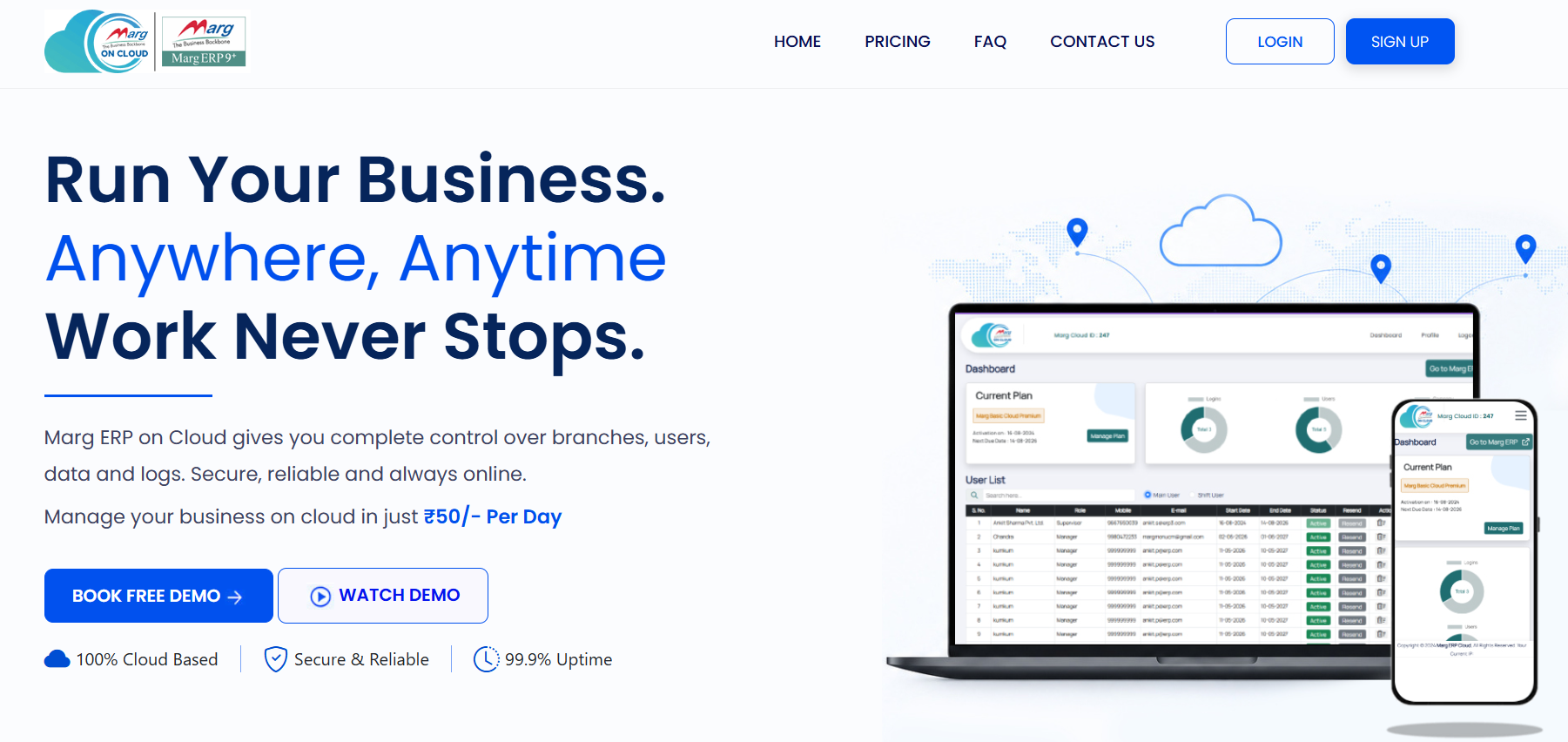
Marg ERP: industry-specific billing for retail, pharma, and distribution
Marg ERP is billing and accounting software particularly dominant in retail, pharma, and distribution, with deep industry-specific editions for pharmacy, supermarket, jewellery, restaurant, garment, and kirana/grocery businesses, among others. Marg is primarily sold as installed desktop software, though the company has also built MargBooks as a separate true-cloud product for businesses wanting browser-based access.
- In-built e-invoicing without needing to separately log into the government portal.
- Industry-specific editions pre-configured with the billing logic and stock categories each trade actually needs.
- Inventory management with expiry and dump-stock tracking, built with pharma and FMCG retailers in mind.
- WhatsApp/SMS invoicing and live credit limit management for trade/distribution businesses.
- Banking integrations with ICICI, Axis, SBI, J&K Bank, and IndusInd Bank.
3. Vyapar
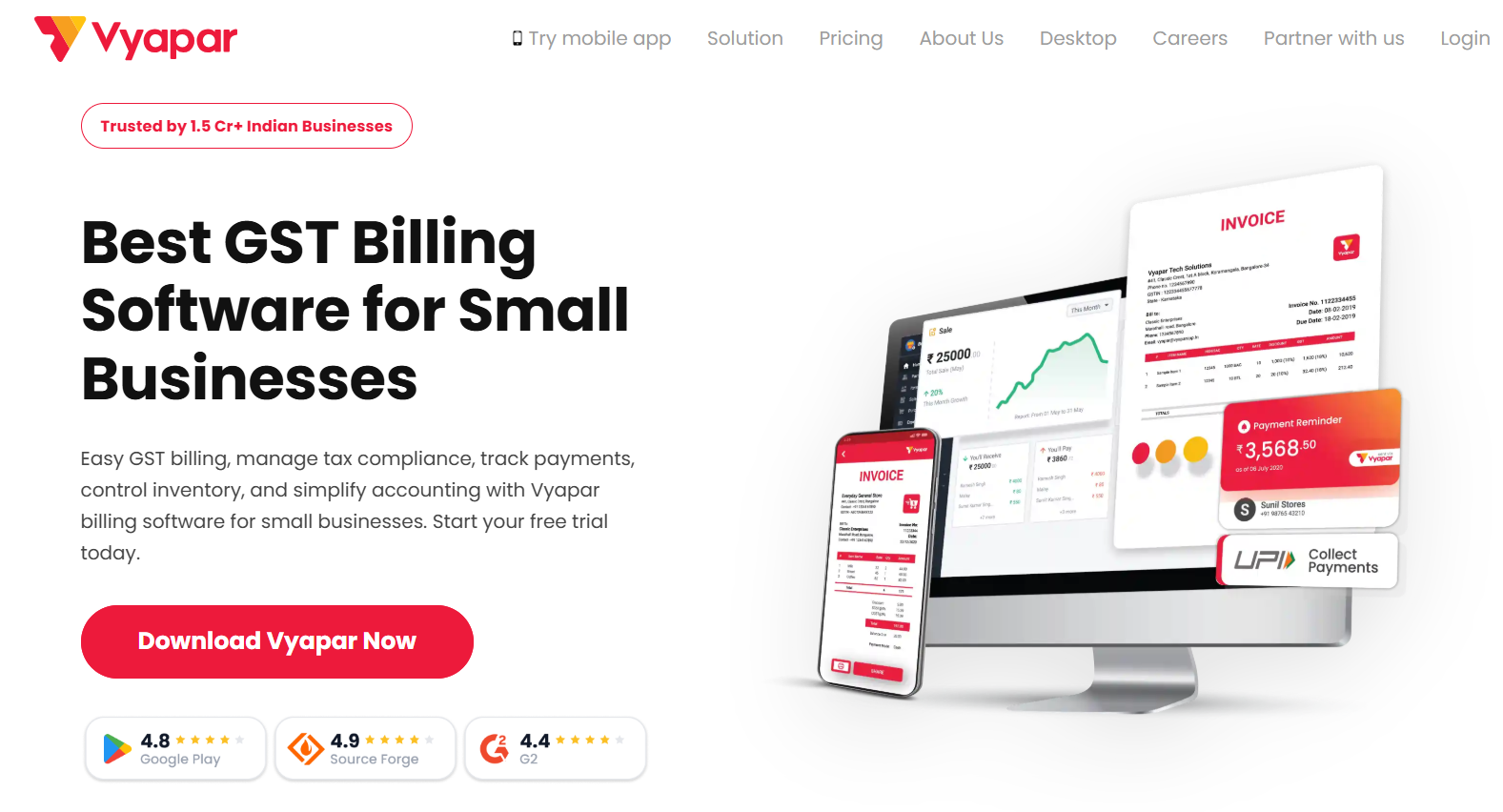
Vyapar: offline-first billing with automatic cloud sync
Vyapar is a billing, accounting, and inventory app built specifically for small and micro Indian businesses. Where Tally and Marg lean toward accountant-managed, install-and-configure software, Vyapar is built around the shop owner directly — designed to be usable in under 60 seconds with no accounting background, and available as a desktop app, a mobile app, and a lifetime-free plan. Its defining architecture is “offline-first, cloud-synced”: billing works fully without internet, and the moment a connection is available, data syncs automatically to Google Drive and across every device the business uses.
- Offline-first billing with automatic cloud sync once connectivity returns.
- GST-ready billing and e-invoicing, with automated tax calculation and MRP-based billing for pharmacy and FMCG.
- Role-based, multi-user access so staff can bill under their own logins.
- OCR scan-to-bill and hardware integrations for barcode scanners, EDC machines, and thermal printers.
- Tally data import/export, reducing switching friction for businesses currently on Tally.
The Bottom Line
There's no universal winner — only the right fit for your business right now. In 2026, waiting to decide isn't neutral anymore; the ₹5-crore e-invoicing line and shrinking reporting windows are deciding it for you.
Three questions settle it: How reliable is your internet? How many people need your books at once? And what can you actually survive losing — a laptop, or a subscription?
Cloud wins on compliance speed and access. Desktop wins on cost and offline reliability. Hybrid is where the market is heading. Match that to your turnover, team spread, and real connectivity, and the answer becomes obvious fast.
Frequently asked questions
Is cloud accounting mandatory for GST e-invoicing in 2026?
No, e-invoicing itself doesn't require cloud software — desktop tools can generate the required JSON for a separate e-invoicing utility. But cloud platforms that generate the IRN directly inside the tool remove a manual step that's easy to miss during a busy billing week, which is why many growing businesses migrate around the same time they cross the ₹5 crore threshold.
What's the real cost difference between cloud and desktop accounting over time?
Desktop software looks cheaper upfront (a one-time license) but accumulates hidden costs over 3–5 years: upgrade cycles, multi-user licensing, backup infrastructure, and IT support. Cloud software is a visible recurring subscription, but many of those hidden desktop costs are already included. For a single-user business that isn't growing, desktop can still work out cheaper; for a growing team, cloud's all-in pricing is often more predictable.
Which is more secure, cloud or desktop accounting?
Neither is universally safer. Cloud accounting protects against physical risks like device theft or failure but depends on trusting a third party's servers and your own login security. Desktop accounting keeps data entirely local and immune to remote attacks, but leaves you fully exposed to physical risk and human error unless you maintain disciplined backups yourself.
At what turnover does e-invoicing become mandatory in 2026?
Once a business's aggregate annual turnover crosses ₹5 crore in any financial year since FY 2017–18 (calculated PAN-wide across all GSTINs), e-invoicing with a valid IRN becomes mandatory for every B2B transaction — even if turnover later drops below that threshold. Businesses above ₹10 crore turnover also have only 30 days to report each invoice to the IRP.
Can a business use both cloud and desktop accounting together?
Yes — this hybrid, "offline-first, cloud-synced" model is increasingly common among Indian SMEs. Billing works locally without an internet dependency, and data syncs to the cloud automatically once a connection is available, combining desktop reliability with cloud-style accessibility.
Ready to Streamline Your CA Practice?
Start your free trial today and experience the difference Turia can make for your firm.
Start Free Trial